
online document translation
Online document translation
Translate PDF, DOCX, and PPTX files in the browser. Transpera keeps the document structure while you choose the language, region, and tone.
New accounts include 200 free credits. Further use is pay as you go.
- PDF up to 50 MB, DOCX and PPTX up to 25 MB
- Layout-aware document translation
- 130+ languages
- 200 credits on a new account
Real input, real result
Processed with the Transpera API (document.translate, 90 credits) on 22 November 2026. Output is unedited.
Try it with a real file
Public files from the internet. Download one, upload it to the tool and see the result for yourself. These are inputs, not pre-rendered results.
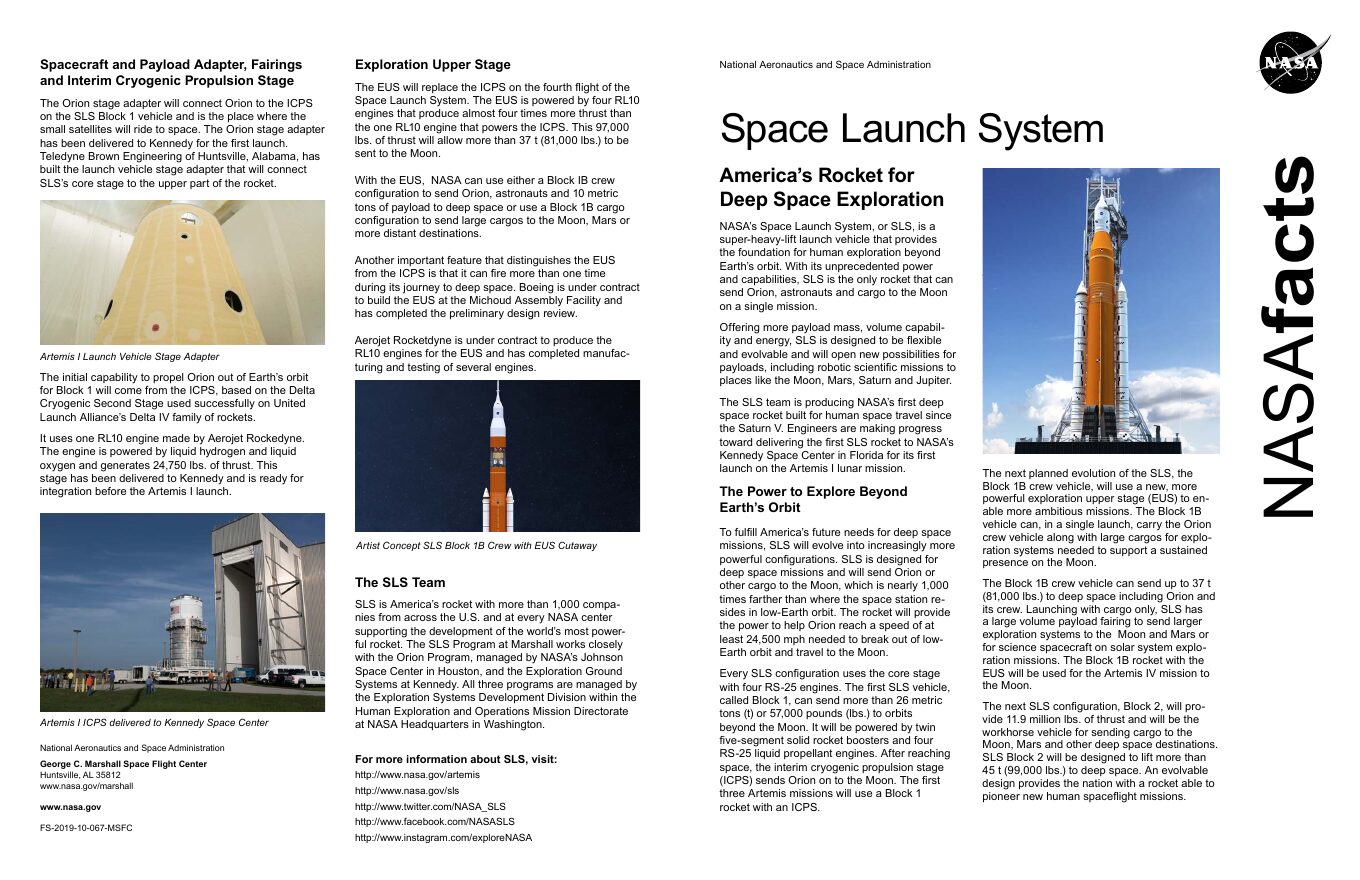
NASA Space Launch System fact sheet
A 2-page English PDF with text, figures and specification tables.
Public domain (US government work). Source: NASA via Wikimedia Commons
Download sampleNASA STS-119 mission fact sheet
A 4-page English PDF with dense text and mission tables.
Public domain (US government work). Source: NASA via Wikimedia Commons
Download sample
- 1
Upload the document
Add a PDF, Word, or PowerPoint file. Scanned pages are read with OCR before translation.
- 2
Choose the language
Pick the target language and set the audience and tone for the translation.
- 3
Download the result
Review the translated file in the workspace and download it when the job finishes.
Related tools
Questions, answered
Common questions about online document translation.
PDF files up to 50 MB, and DOCX and PPTX files up to 25 MB. InDesign files use the separate InDesign studio.
Create an account, open Document translation, upload the file, choose the language, and download the result. Nothing is installed on your computer.
Online document translation
Need to translate a document? Use Transpera's online document translation tool and document translation service to make multilingual work easier.